
How Do You Blur a Face in a Picture?
Whether you're protecting someone's privacy, anonymizing photos for professional use, or simply want to hide identities before sharing online—blurring faces in pictures has never been easier. Our free online tool uses AI to automatically detect and blur faces in seconds.
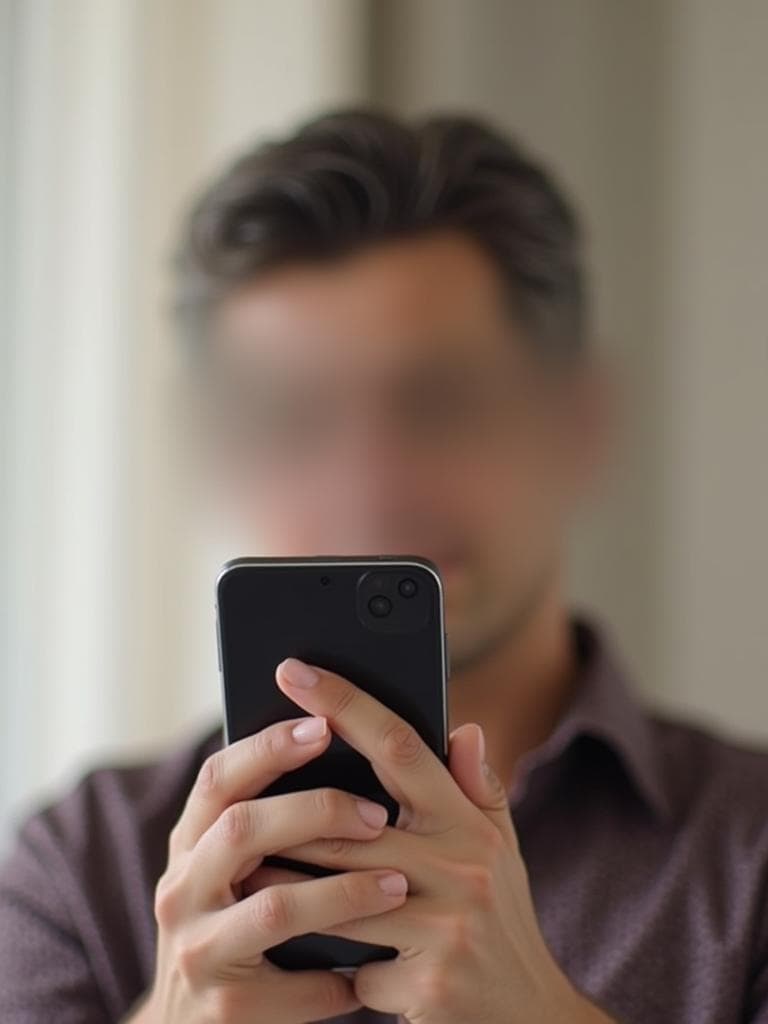
3 Simple Steps to Blur Any Face
Upload Your Photo
Simply drag and drop your image or click to select a file. We support JPG, PNG, and most common image formats.
AI Detects Faces Automatically
Our advanced AI scans your photo and identifies all faces in the image within seconds. No manual selection needed.
Download Your Blurred Image
Once processing is complete, download your image with all faces blurred. Your original photo is never stored.
Why Blur Faces in Your Photos?
- •Privacy Protection: Keep strangers' identities private when sharing street photography or event photos.
- •Child Safety: Protect your children's faces before posting family photos on social media.
- •Legal Compliance: Many jurisdictions require consent before publishing identifiable photos.
- •Professional Use: Anonymize photos for presentations, reports, or marketing materials.
Common Questions About Blurring Faces
Is my photo stored on your servers?
No. Your images are processed in real-time and immediately deleted. We never store your photos.
Can I blur multiple faces at once?
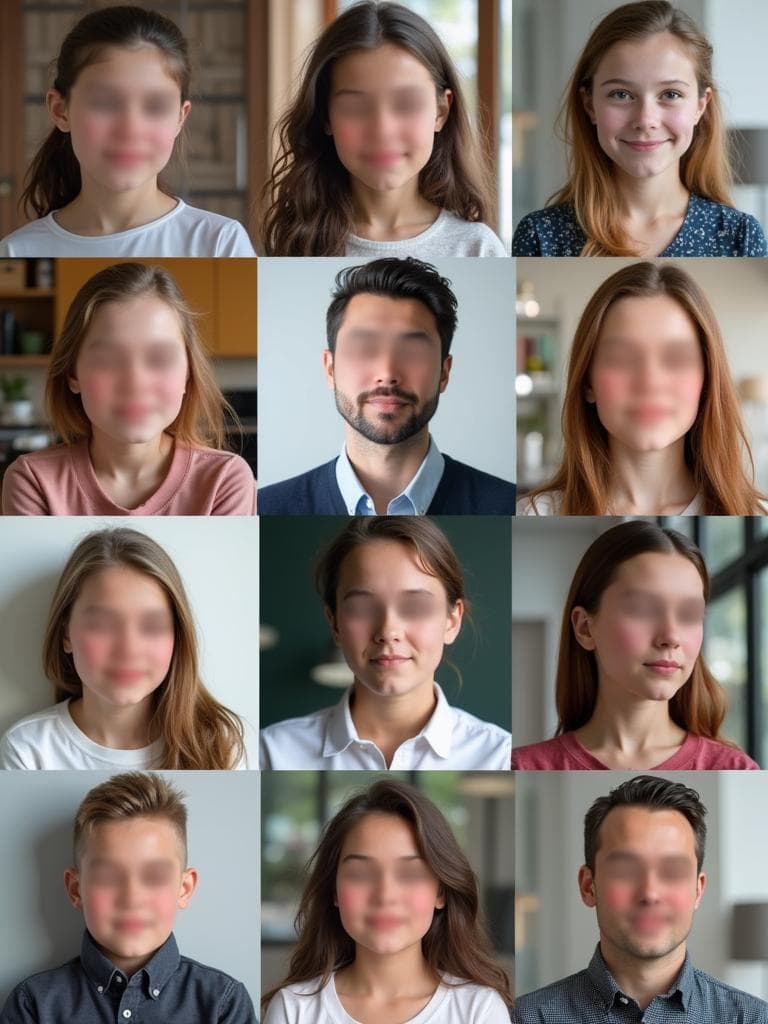
Yes! Our AI automatically detects and blurs all faces in your photo, no matter how many there are.
What image formats are supported?
We support JPG, PNG, WebP, and most common image formats. Maximum file size is 10MB.
Is this tool really free?
Yes, our basic face blurring tool is completely free with no watermarks or hidden fees.
Ready to Blur Faces in Your Pictures?
Stop spending hours manually editing photos. Our AI-powered tool blurs faces instantly and for free. Try it now and see the difference.